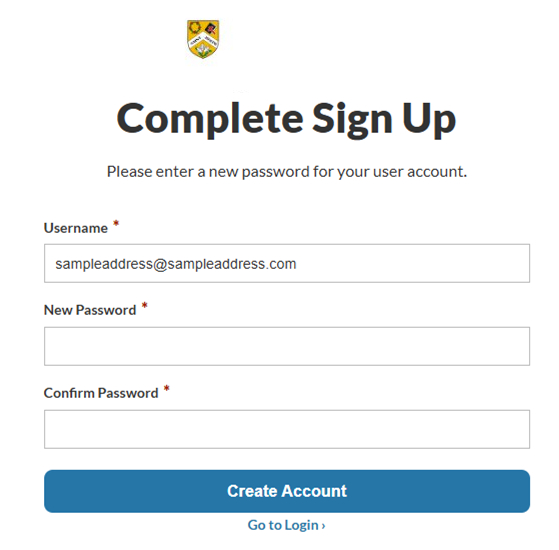

Creating your account is easy! Just follow the steps below.
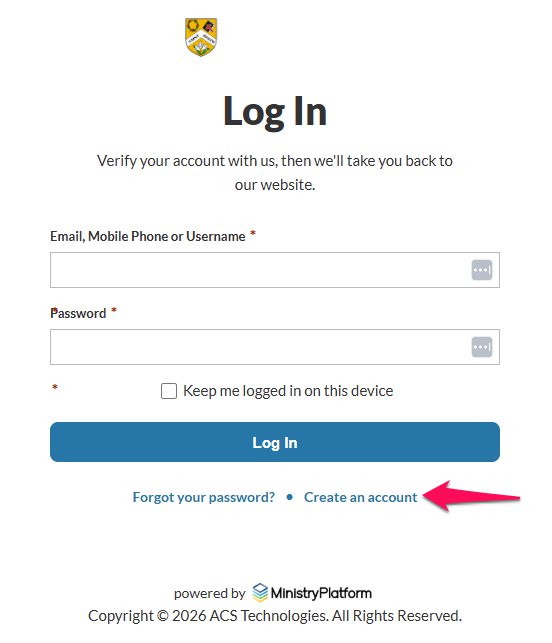
Begin by clicking the "Login" link

Next, click "Create an account."
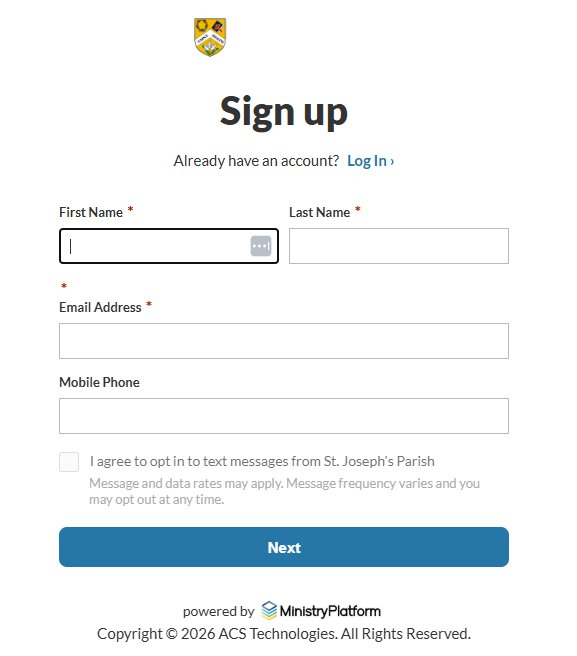
Enter your information in the form and click "Next." The system will use your email address and/or phone number to match you to your profile in our database
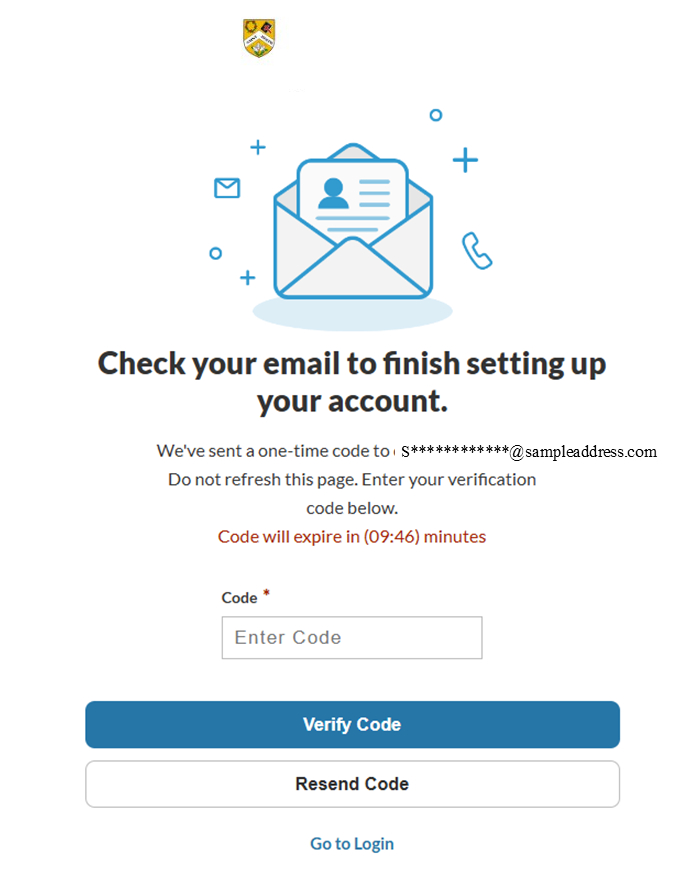
Check your email for the verification code, and then enter it in the box and click "Verify Code."
Choose a password for your account and confirm it, then click "Create Account." From this point you should be able to log in using your email and password combination.